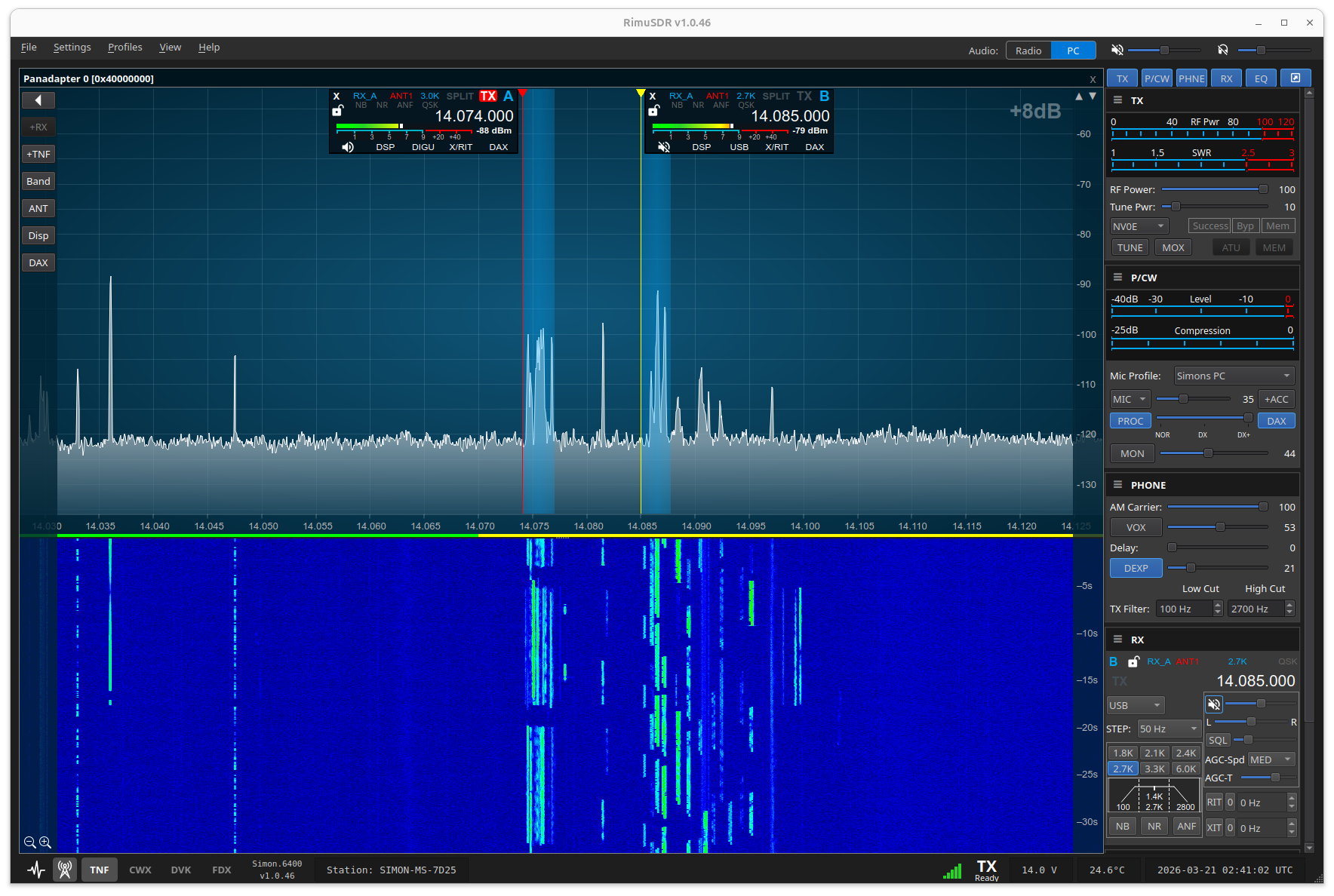

Core SDR Client
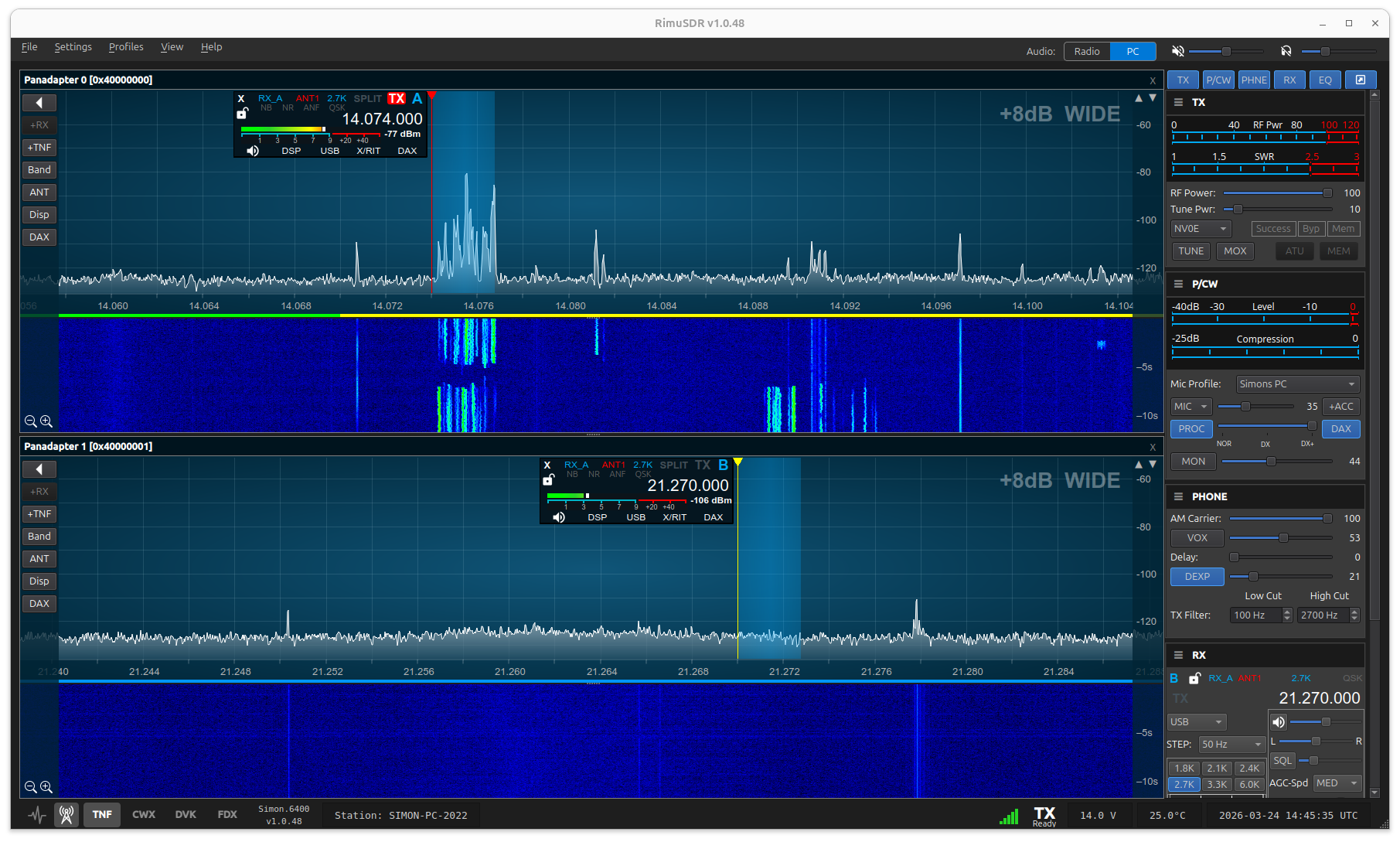
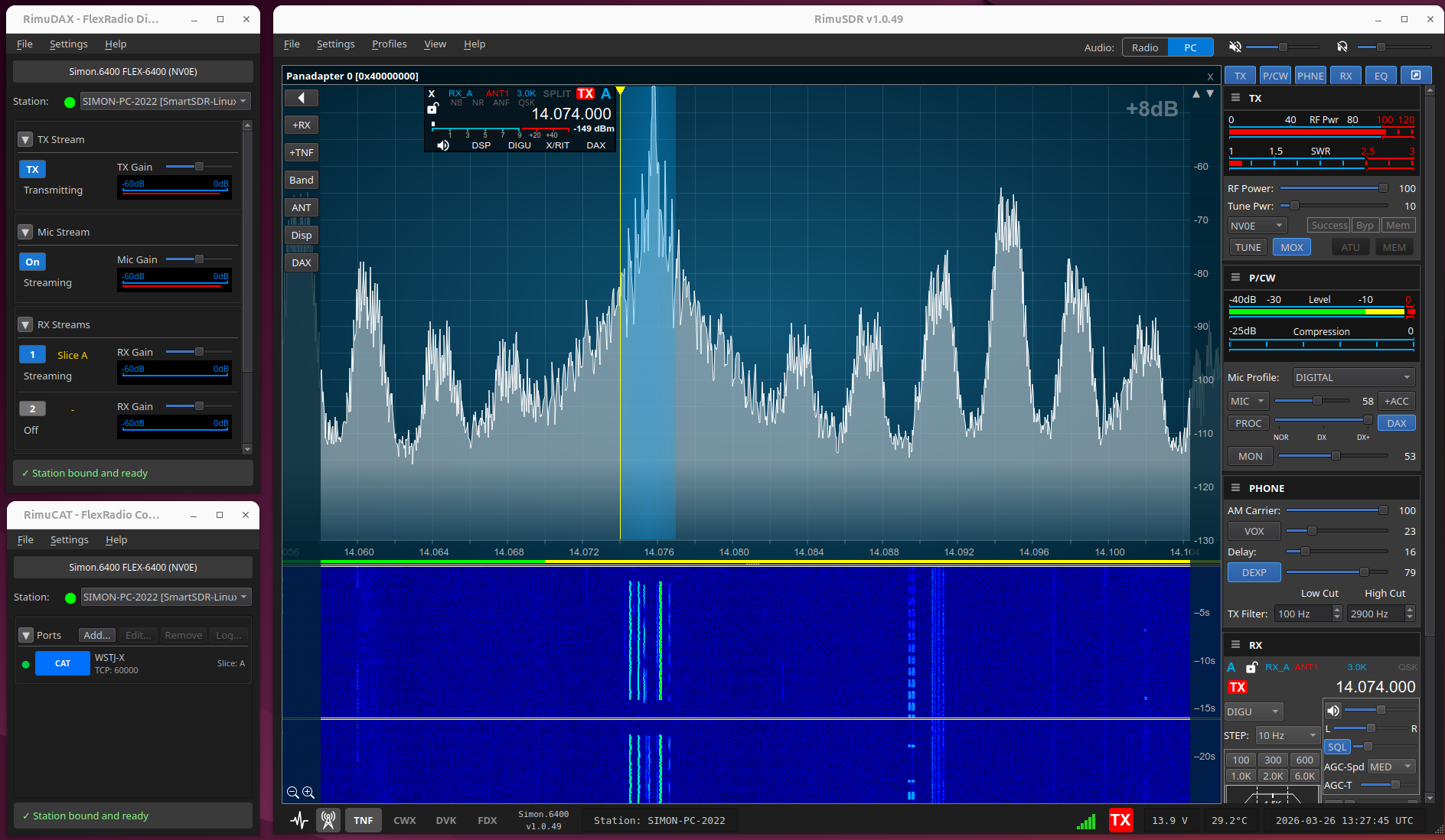
The primary operating interface for panadapter, waterfall, and radio control.
Operating
- MultiFLEX - Allows multiple independent operators
- Up to 8 Panadapters & slices (depends on the radio capabilities)
- Continuous panadapter zoom - A zoom slider, with a matching MIDI action, in place of fixed 2x steps
- Slice Synchronization - Keep two slices at a fixed offset, across panadapters, so tuning one moves the other
- Customizable Filter Widths (doesn't require SmartSDR+)
- Profiles
- FDX
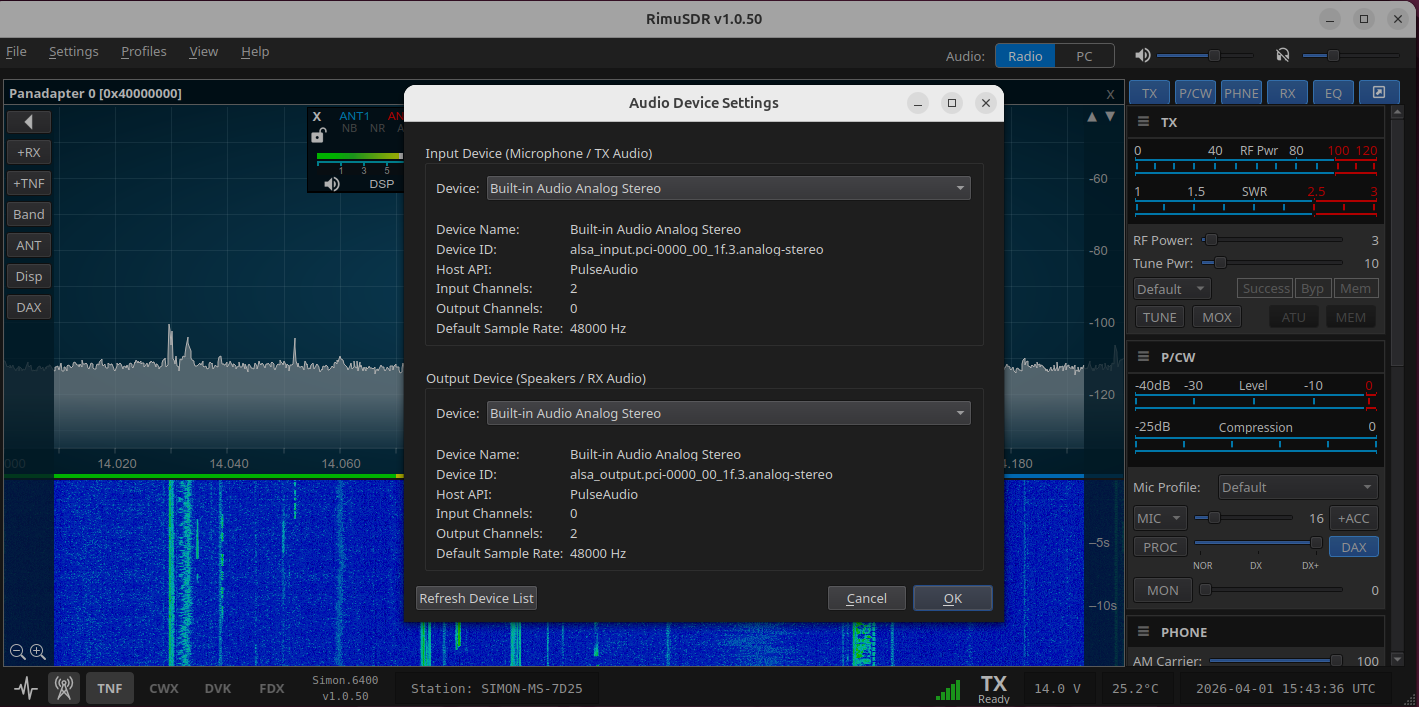
- Quick Audio recording/playback
- FreeDV AppImage integration
- Digital Voice Keyer
- PTT Override - A footswitch or other hardware PTT transmits the microphone even when DAX or remote audio is selected
CW and DSP
- AutoDX - Decodes received CW to on-screen text and can work a split pile-up for you, on radios with firmware 4.3 and the CW decoder (needs SmartSDR+ Early Access)
- Integrated CWX keyer
- CW profiles - Create, load, import and export the CW profiles that firmware 4.3 adds
- DSP Controls window - Each noise reduction, notch filter and noise blanker on its own page, with the advanced settings that firmware 4.3 adds (advanced settings need SmartSDR+)
- Auto AGC-T - Firmware 4.3's automatic AGC threshold (needs SmartSDR+ Early Access)
- Tracking Notch Filters (TNFs)
Spots and networking
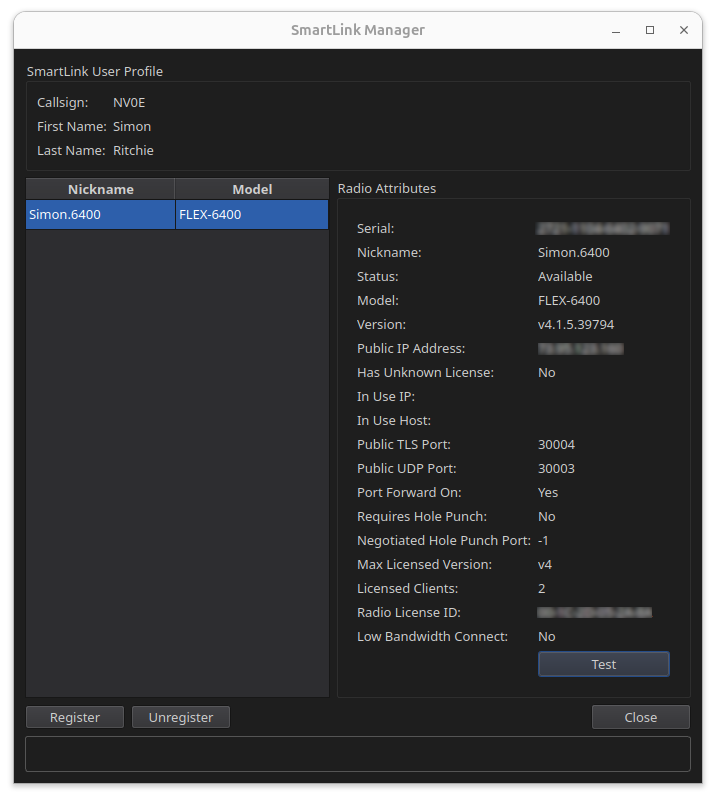
- SmartLink - Remotely connect to radios and manage credentials for multiple radios
- Direct IP connection - Connect to a radio by its IP address, for radios on another subnet or across a VPN
- Spots - Built-in DX cluster, RBN, WSJT-X/JTDX and POTA spot sources, with a Spot Manager to filter spots and click to tune
- Uncompressed PC audio - Optional uncompressed receive audio in place of the Opus codec, for operators on a wired LAN (SmartLink always uses Opus)
- Network Diagnostics - Latency and jitter graphs over windows of up to 24 hours, with transmit periods shaded
- NTP time sources - Manage the time sources the radio uses to set its clock
Accessories and controllers
- Power Genius XL (PGXL) support - Operate/standby control and meters for power, SWR and temperature, fan mode control (Standard, Contest, Broadcast), and an option to put the amplifier in standby when RimuSDR closes
- Tuner Genius (TGXL) support
- Antenna Genius (AGXL) support
- Flex Control Knob support
- MIDI Controller Support - Map knobs and buttons to radio functions, with templates for Lynovation CTR2 and HaliKey, CW keying, PTT and Tune over MIDI
Display and setup
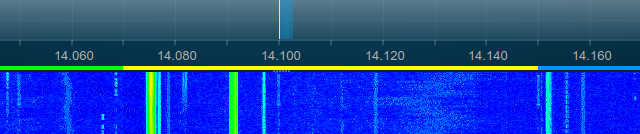
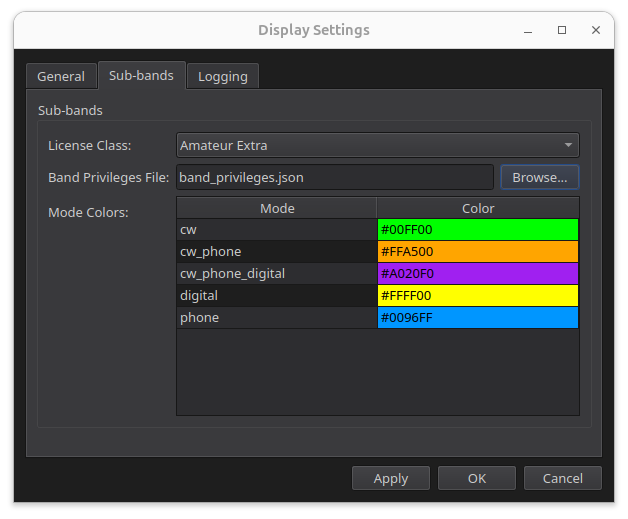
- Sub-band indication with color coding - user configurable, with built-in band plans for the US (ARRL), the IARU regions, Canada (RAC), the UK (RSGB), Australia (WIA) and New Zealand (NZART) (doesn't require SmartSDR+)
- Whole-UI scale - Make text, controls and displays larger or smaller together, from 75% to 200%
- Dockable panels - Put the DVK, CWX and control panels on either side of the panadapters, in any order
- Color themes and accessibility - Neutral and Deep Teal themes, a high visibility control outline, and TNFs shown by shape as well as color
- Temperature and voltage display
- Automatic updates on Linux - Install from the Rimu Systems package repository on Debian, Ubuntu, Linux Mint and Raspberry Pi OS, then update with your normal system updates