Connecting RimuDAX
Order matters
RimuSDR must be connected, and the DAX button must be active on the slice, before you start RimuDAX. Otherwise RimuDAX does not see the audio stream.
Connect
-
Connect RimuSDR to the radio.
-
Activate the DAX button on the slice you want to use.
-
Start RimuDAX.
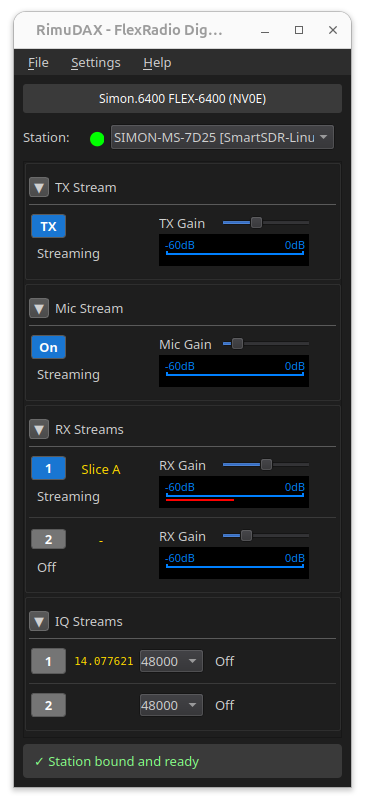
RimuDAX lists the same station that RimuSDR is connected to.
-
Select the station and click Connect.
Same station throughout
RimuDAX must connect to the same station as RimuSDR. In most home setups only one station appears in the list.